
Dental Clinic Software in Malaysia: What Clinics Should Compare
Before you choose dental clinic software in Malaysia, compare how it handles charting and clinical records, LHDN e-invoicing, appointments, imaging, and patient data protection. Then check support, onboarding, and whether the system was built for dental work rather than generic retail billing.
1. Put charting and the clinical record in one place
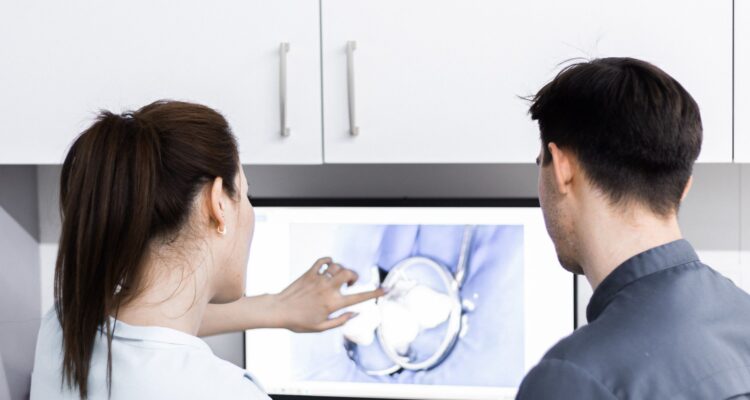
A clinic management system is only useful if the dentist can see the chart, notes, and images without jumping between tools. Look for dental and periodontal charting that actually matches how your clinicians work, and for case notes that stay attached to the same patient file. A Malaysian cloud system for dental clinics describes charting in a few clicks, image capture with annotation, and speech-to-text notes so records can be completed during or just after treatment. Whatever product you shortlist, ask to see a real charting walk-through, not only a brochure slide.
2. Check LHDN e-invoice options, not only printed receipts
Malaysian clinics now have to think about e-invoicing, not only a till receipt. Inland Revenue Board of Malaysia explains that taxpayers can send e-invoices through the MyInvois Portal or an API connection to MyInvois. The portal is hosted by IRBM and is described as accessible at no cost, while an API suits businesses with higher transaction volumes and an existing system. Ask any software vendor whether invoices can be submitted automatically or in a consolidated form, and who is responsible if a submission fails on a busy clinic day.
An official Lembaga Hasil Dalam Negeri Malaysia video on moving from manual invoices to MyInvois, useful before you compare clinic software claims about e-invoicing.
3. Appointments, reminders and the slots you actually lose
Missed appointments waste chair time. Compare online booking, whether double booking is blocked, and how reminders are sent the day before. Also ask what happens when a patient needs to reschedule, and whether the front desk can see the change immediately. A system that only stores a phone list is not the same as one that keeps the diary, the reminder, and the patient file together.
If you run more than one chair or more than one branch, ask how the diary is shared and whether a booking at one location can collide with a clinician’s time at another. Then test a reminder in the demo: what the patient receives, what language it uses, and whether a failed message is visible to the receptionist.
4. Imaging and photos should sit with the patient record
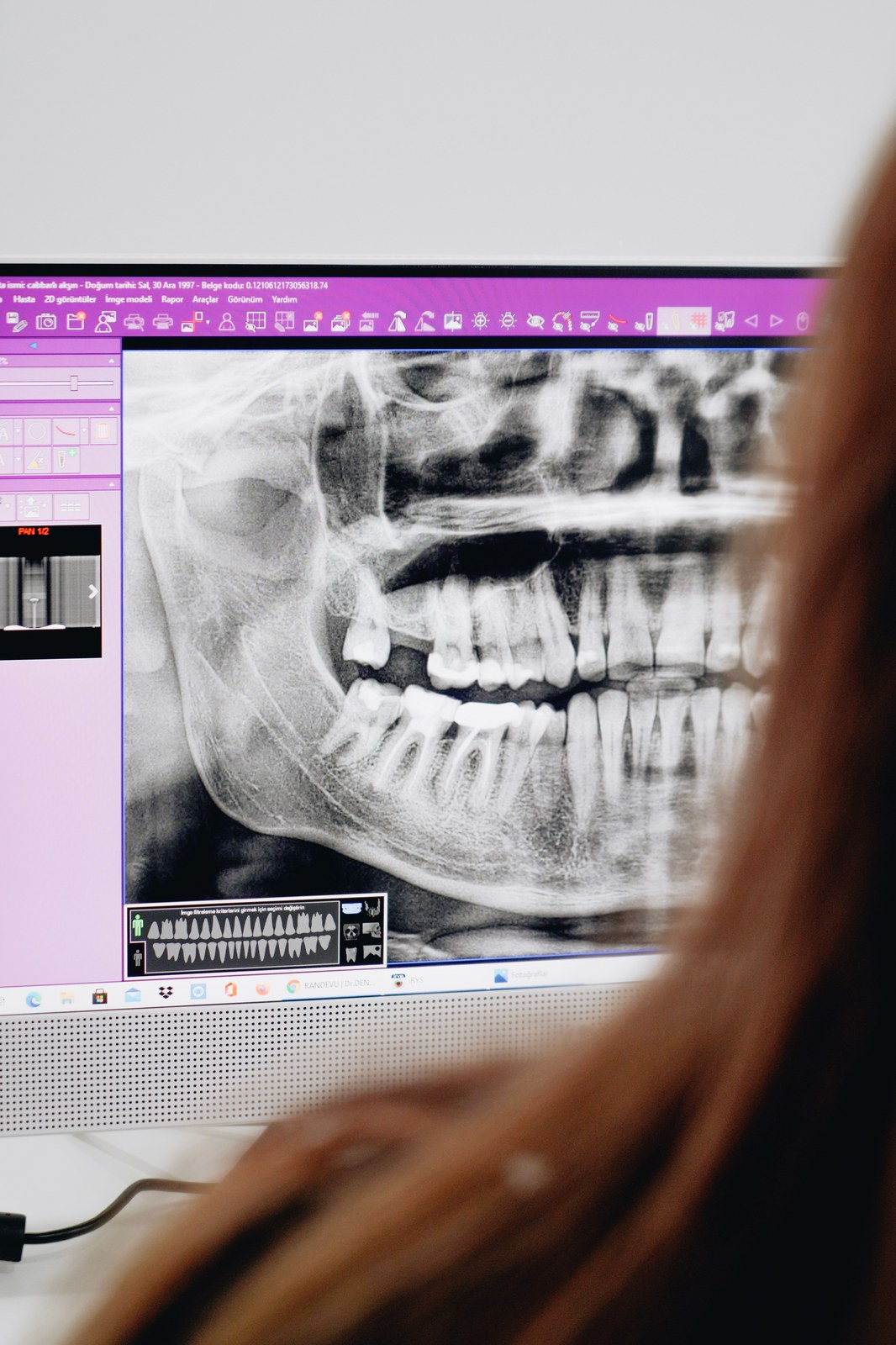
X-rays, intraoral photos, and before-and-after sets are part of the clinical record, not a folder on a shared desktop. Check how images are captured, annotated, and retrieved during a later visit. If the clinic already has a sensor or an OPG machine, ask whether the software can take that file in without a messy export step.
It also helps to see who can open an image, and whether a photo used to explain a treatment plan stays attached to that visit’s notes. If the file can be downloaded to an unsecured phone, that is a records issue as much as a software feature.
5. Data protection and access control under Malaysian law
Patient records are personal data. The Department of Personal Data Protection sets out seven data protection principles under Act 709, including consent, notice, security, retention, and access. Ask where the data is stored, who in the clinic can open a file, how access is logged, and how long records are kept. Cloud storage is not a policy by itself. You still need access control and a clear answer if a device is lost or a staff member leaves.
6. Billing, stock and the front desk workflow
A dental visit often moves from chair to payment to dispensed items in one afternoon. Compare how discounts, memberships, and packages are applied, and whether inventory for consumables and medicines, including expiry dates, is visible to the team that needs it. Digital forms can reduce paper at reception, but only if signed documents are saved back into the patient profile and can be opened during the next visit.
Ask for a sample invoice that includes a treatment, a discount, and an item dispensed from stock, then see whether the same visit can generate the e-invoice you already discussed. If the clinic pays commissions or tracks daily performance, those reports should be explained in the demo as well, because they often sit in a separate spreadsheet today and are easy to forget in the comparison.
7. Support, onboarding and whether it is actually built for dental work
Generic clinic or retail software may handle billing, then fall short on periodontal charts or treatment planning. Ask how long onboarding takes, whether training is included, and who you call when the system is down on a Saturday. A clinic note on how management systems affect a practice’s image also points to scheduling, communication, and data security as part of how patients judge a clinic, not only as back-office tasks. The useful test this month is a short demo with your own appointment, charting, and invoice examples, then a written list of what the system will and will not do.